Movies and series feel bigger on CubeTV.
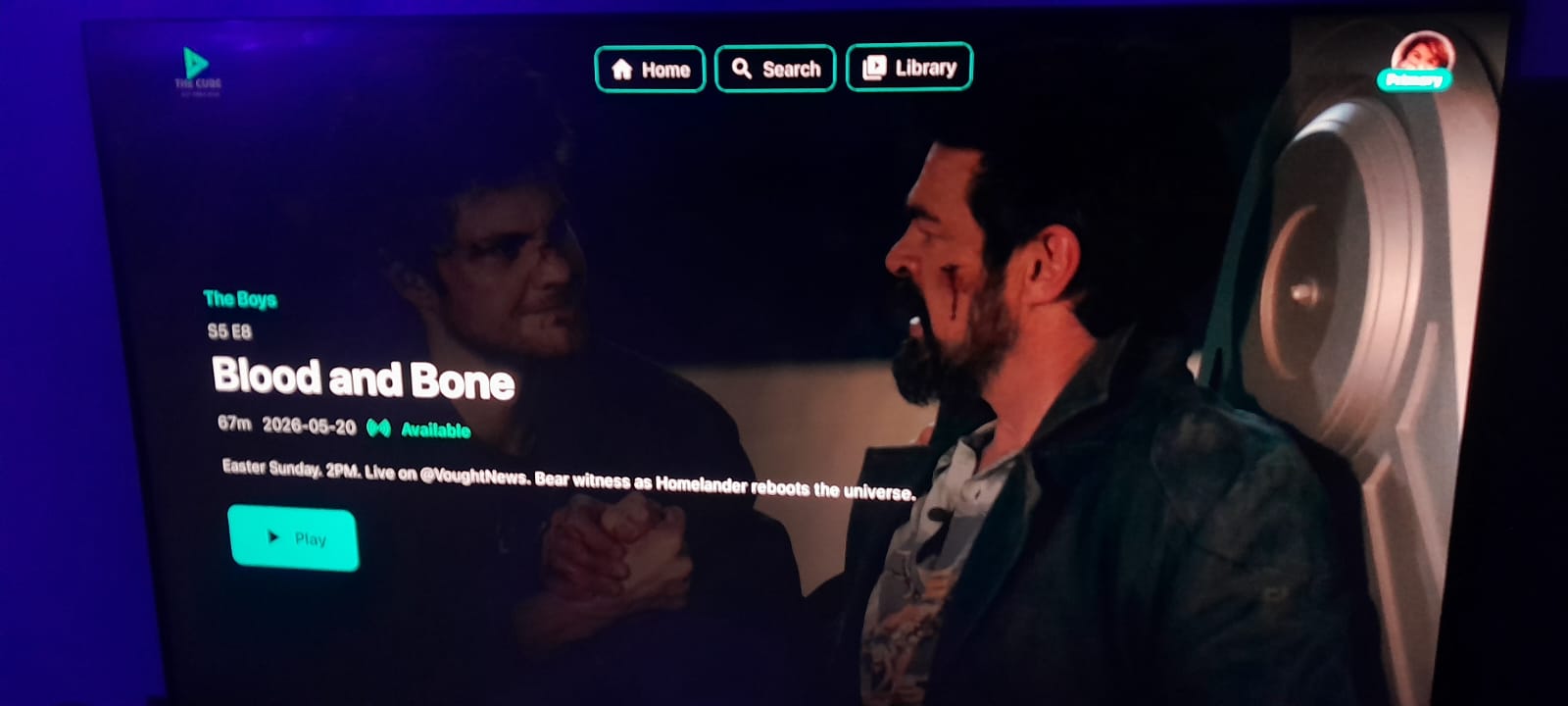
A cinematic experience built for your remote, photographed running on a real television.
One APK for phone and TV — install the same file on both devices.
⚠️ Uninstall any older version first — the signing key changed. Play Protect may warn you because the app is brand new; it is not malware.
Samsung TV users: Tizen OS is not supported. Use our Android APK, Desktop app, or Web version instead.
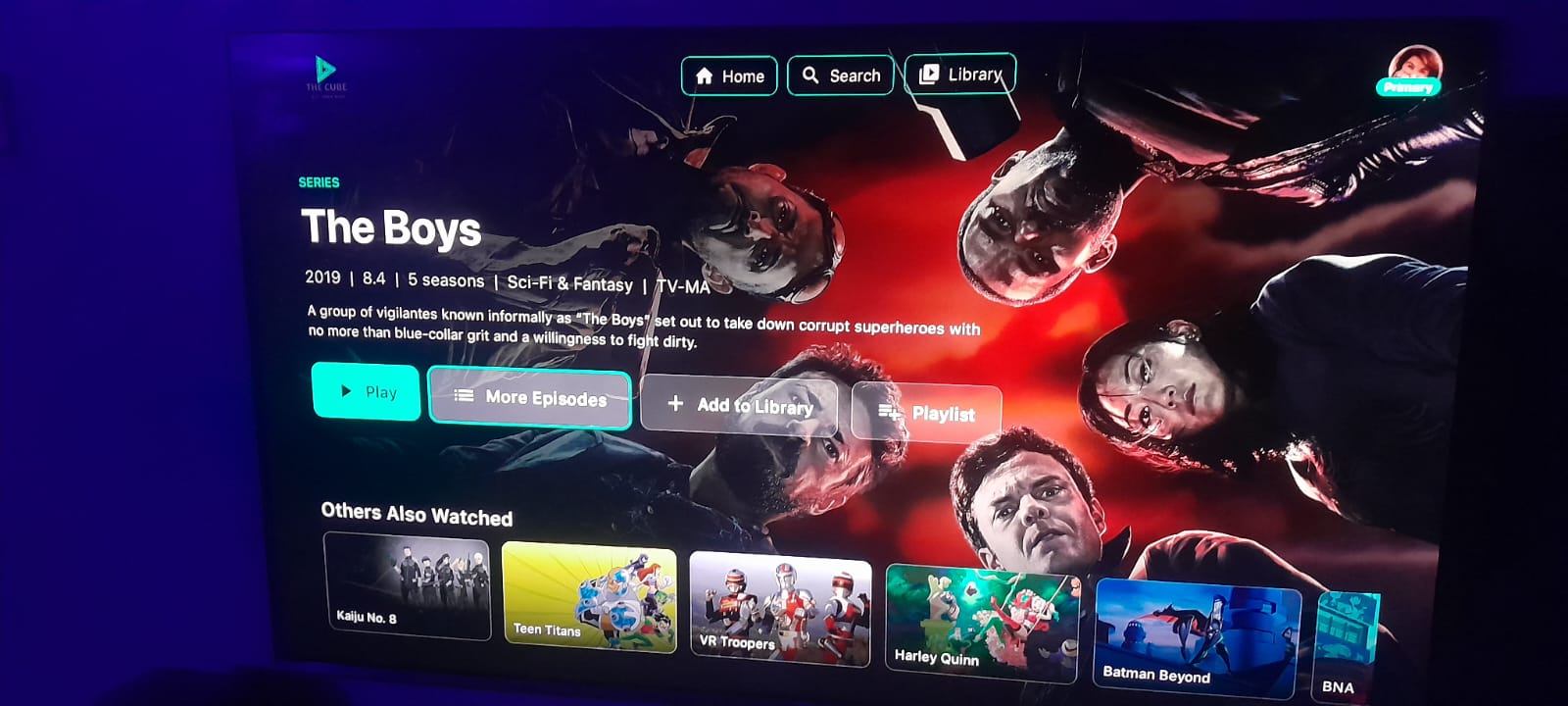
Shot on a real television
Your next movie night starts here.
Browse, search, pick an episode, and play — every screen is designed to stay clear from across the room.
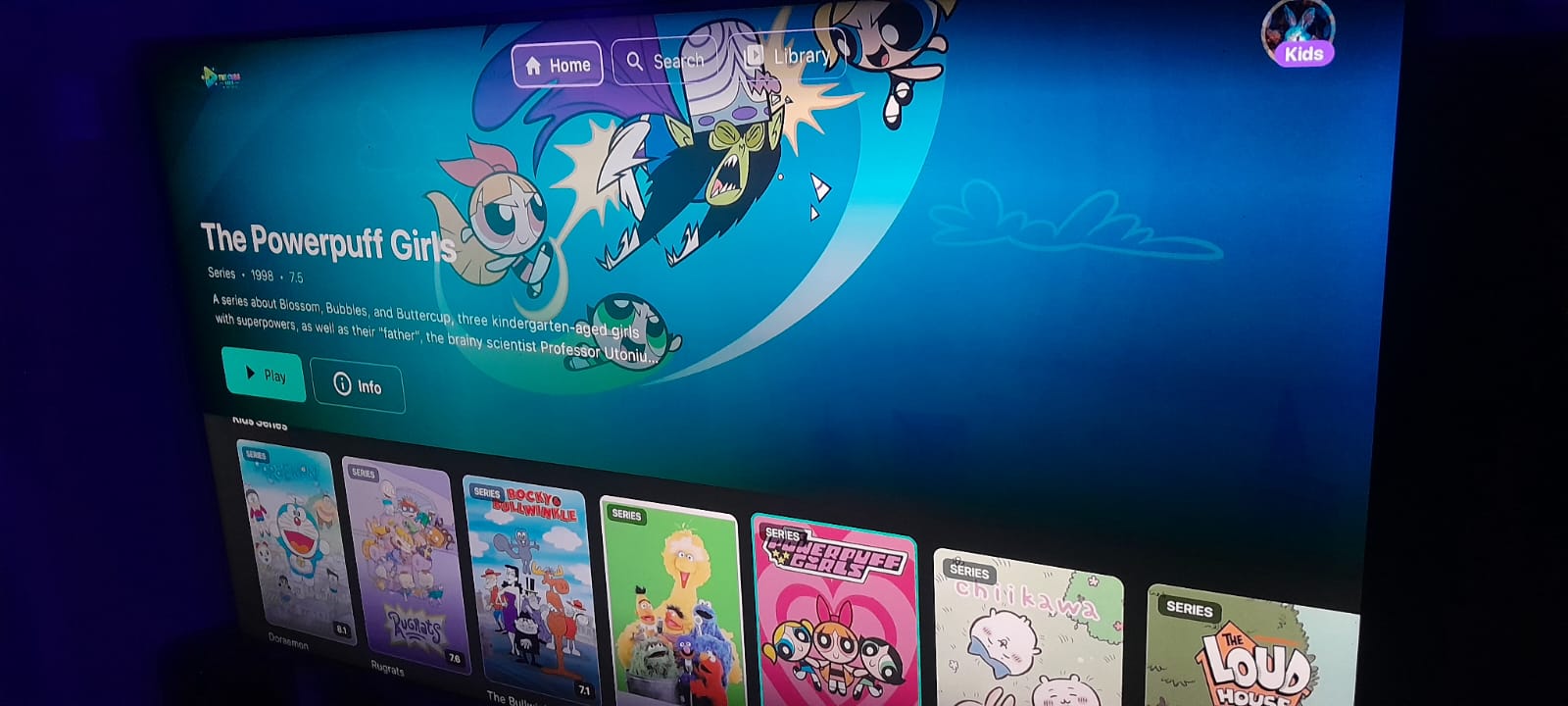
A home screen made for TV
Big artwork, clear categories, and easy remote navigation.
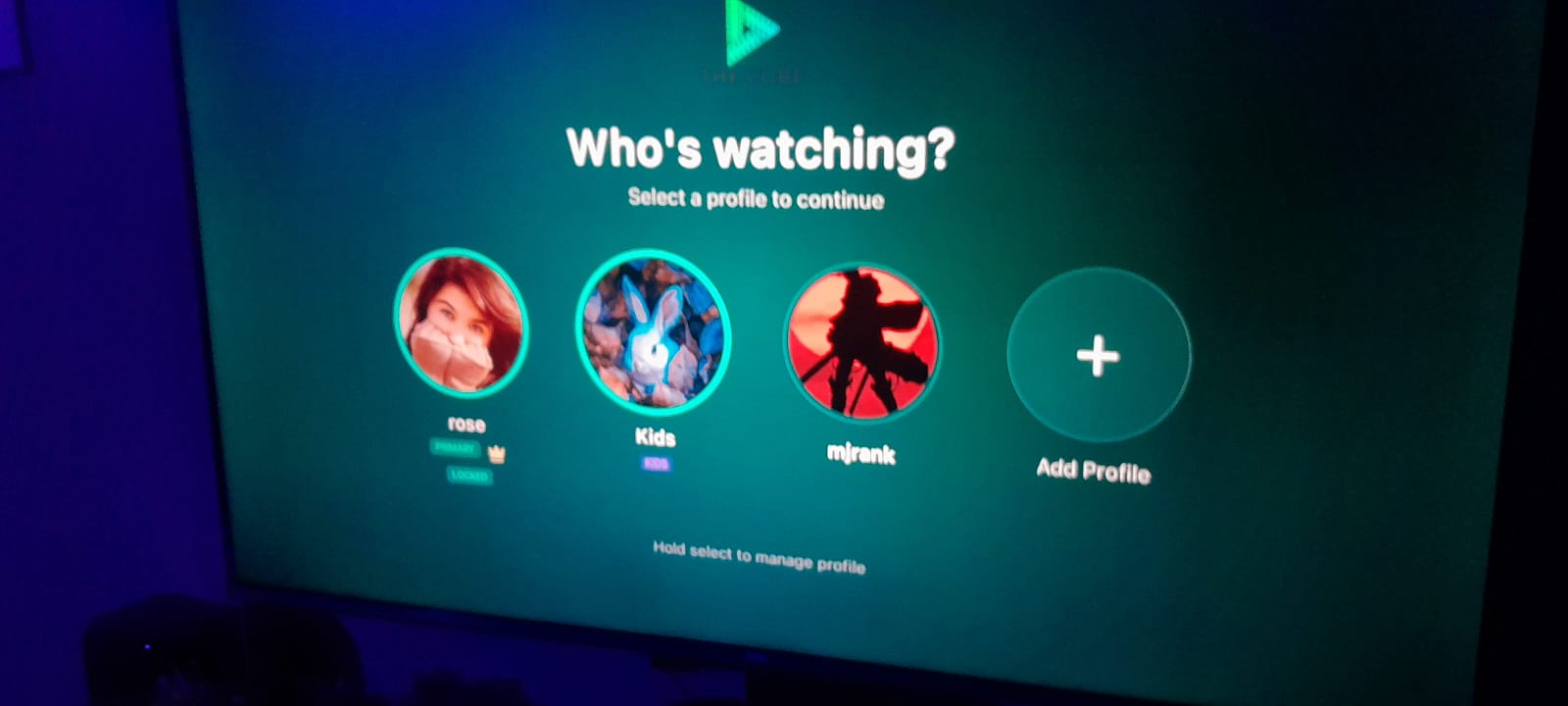
Profiles for everyone
Jump into your own watch space in seconds.
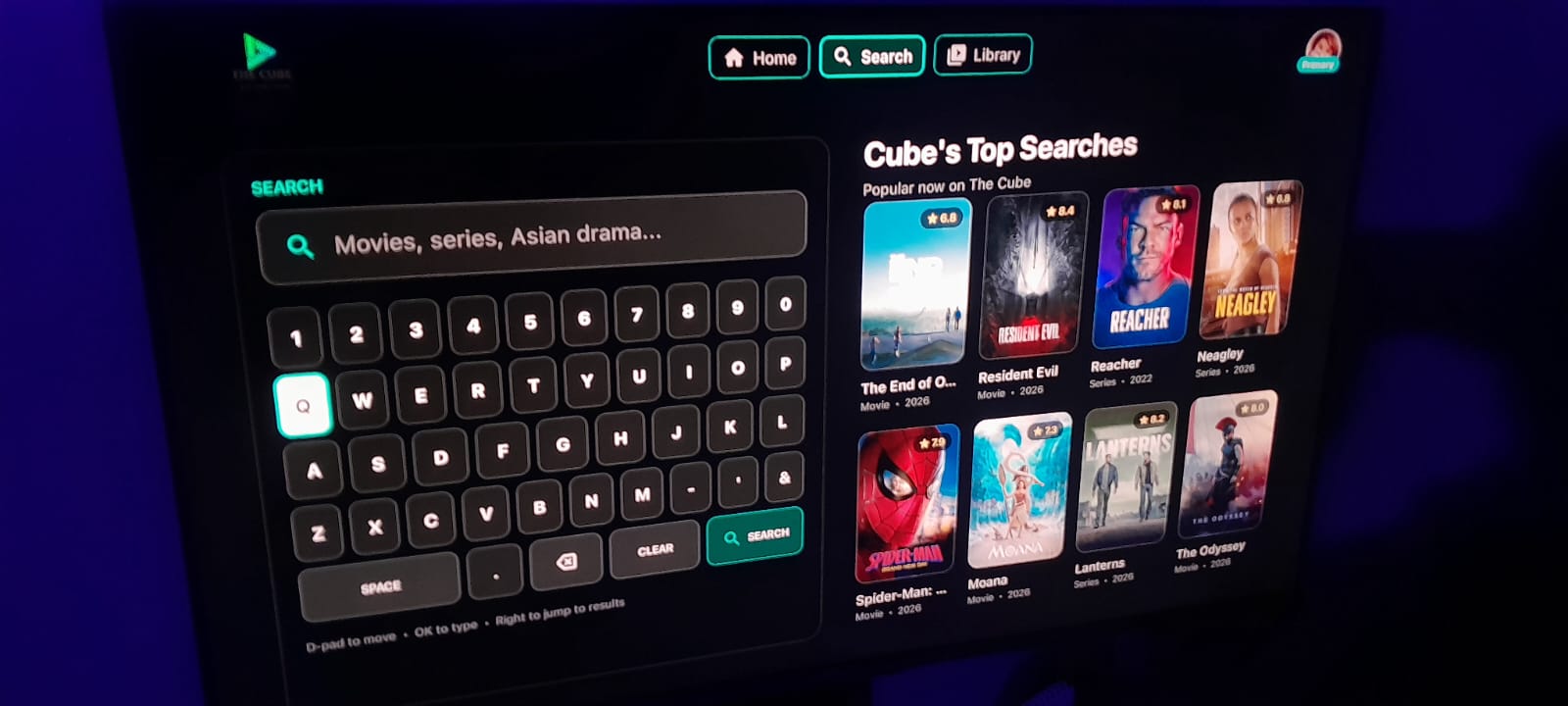
Find it fast
Search from the sofa with a remote-friendly keyboard.
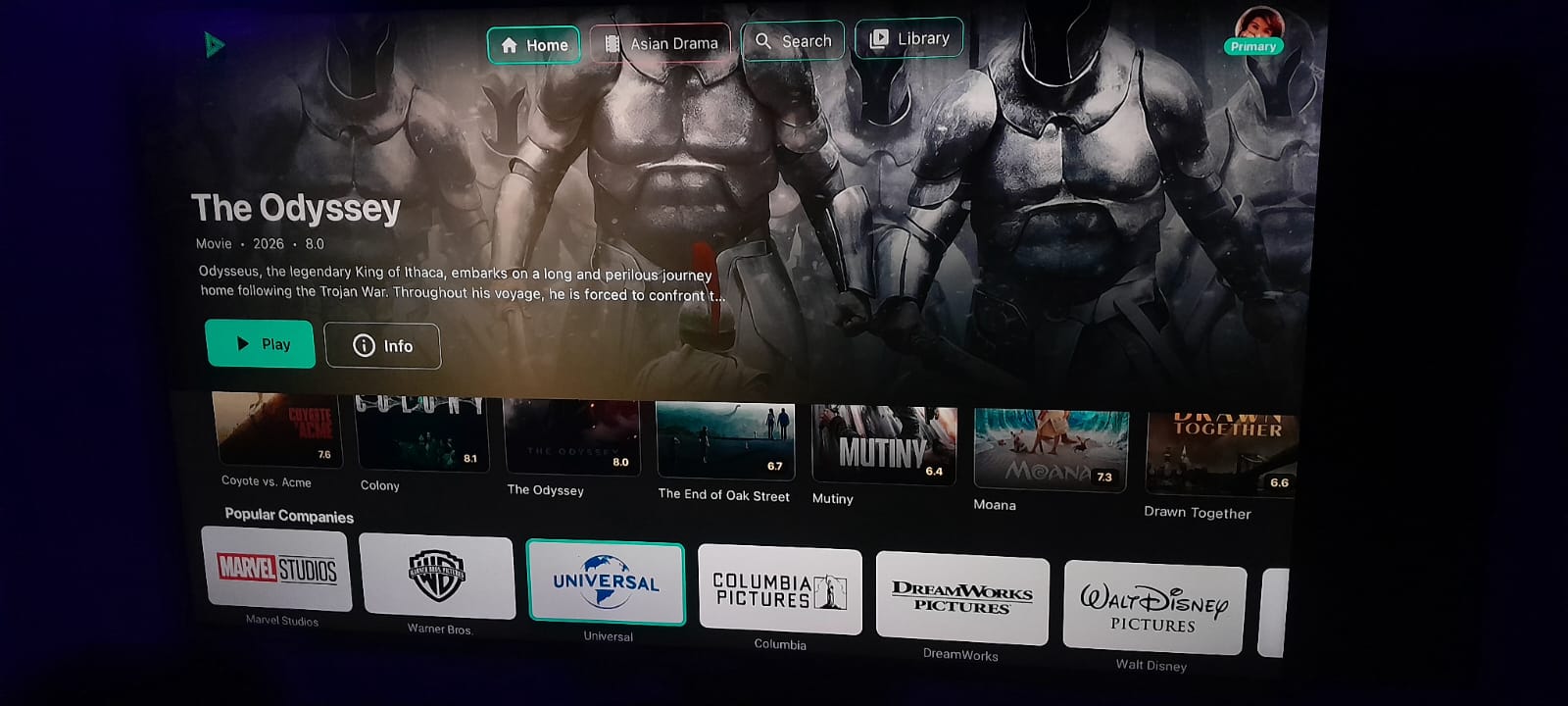
Everything before you press play
Ratings, seasons, and recommendations in one view.
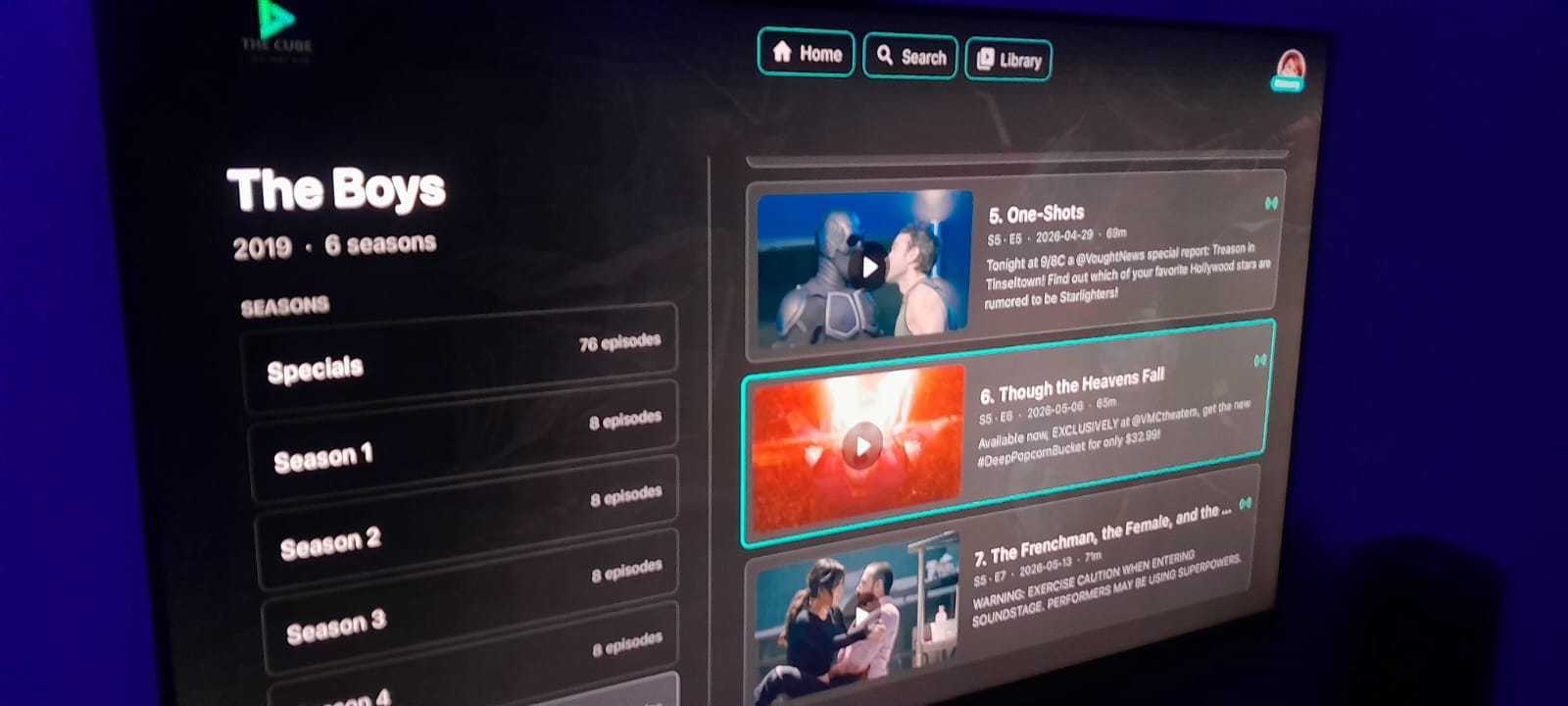
Episodes, organized
Move between seasons and episodes without losing your place.
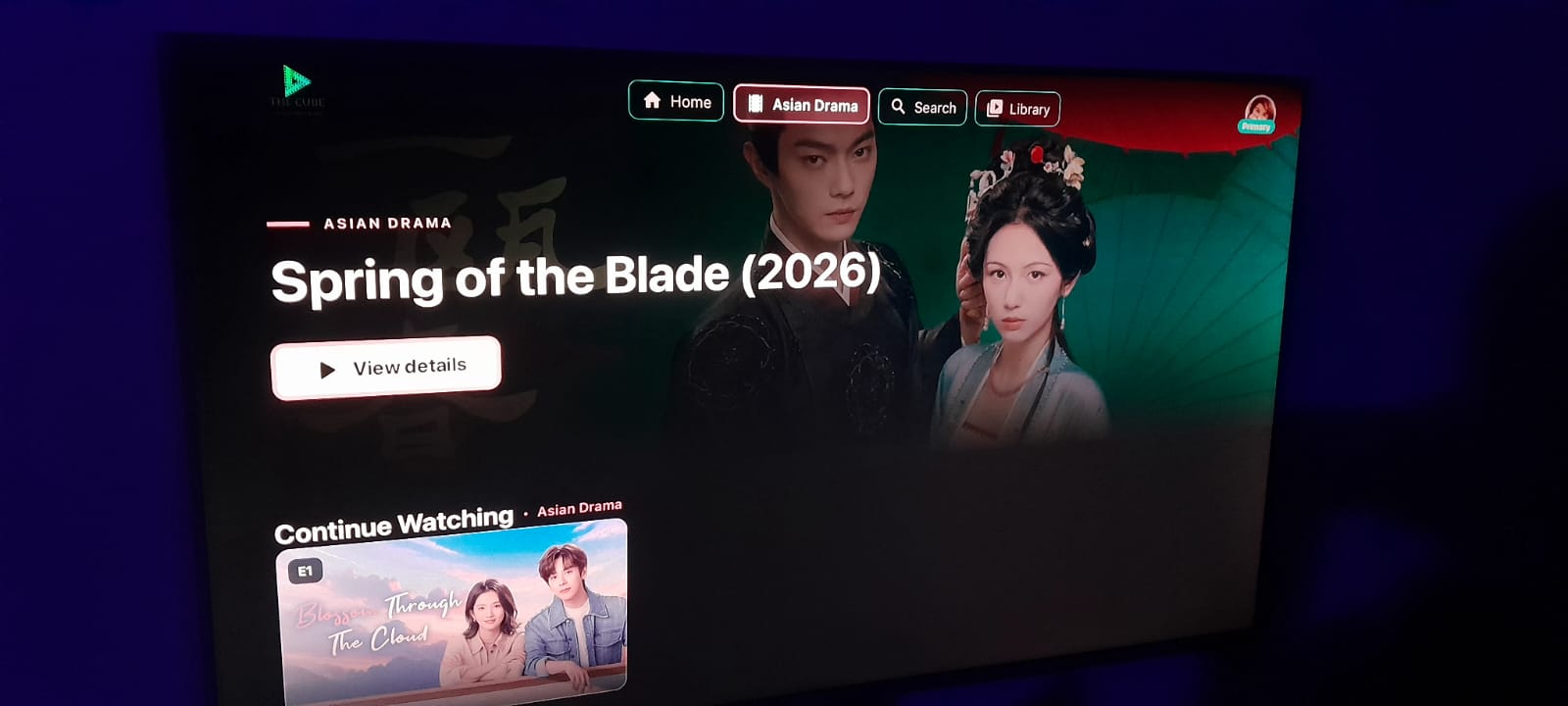
Cinema at home
Choose a movie and settle in for the big screen.
Press play. Sit back.
A clean player that keeps the story in focus.
Bring CubeTV to your screen.
One free APK for Android TV, TV boxes, Fire TV, and Android phones.
Supported Platforms
Downloader App
Fastest for Fire TV, Fire Stick & Android TV
Downloader code
3085564
- Install the Downloader app on your TV.
- Open Downloader and enter code 3085564.
- Press Go — it redirects to the latest APK.
- Install when prompted.
🔄 Always fetches the latest release automatically.
🔒 The APK link uses HTTPS for secure downloads.
USB Installation
- Download the CubeTv APK using the buttons above.
- Use a USB drive formatted as FAT32 (drives ≤32GB) or exFAT (4GB+).
- Copy the APK to the root of the drive. Rename to
cubetv.apkif needed. - Plug into your TV and use the built-in file manager to install.
- Enable Unknown Sources if prompted (Settings → Security & Restrictions).
💡 Tip: Create an "APK" folder on your USB drive if your TV has trouble detecting the file.
Wireless Transfer
Using Send Files to TV (Android / Fire TV)
- Install Send Files to TV on both your phone and your TV.
- Connect both devices to the same 5GHz WiFi network for best speeds.
- Send the ~40MB APK from your phone to TV.
- Install immediately to avoid automatic deletion.
🛠 Troubleshooting: Disable VPNs & mobile data during transfer.
Troubleshooting Guide
Installation blocked?
Enable "Unknown Sources" in Settings → Security.
APK not detected?
Rename to "cubetv.apk" and place in root or a dedicated APK folder.
Transfer failures?
Restart both devices and your router. Match WiFi bands (2.4GHz/5GHz).
App crashes?
Re-download — file may be corrupted. Use latest version.
Buffering issues?
Try the Desktop app for better performance, or check your network.
Need Expert Help?
Join our Discord — 24/7 support from the team and the community.
💬 Join Cube TV Discord